How Professional Prepress Services Improve Print Production Efficiency
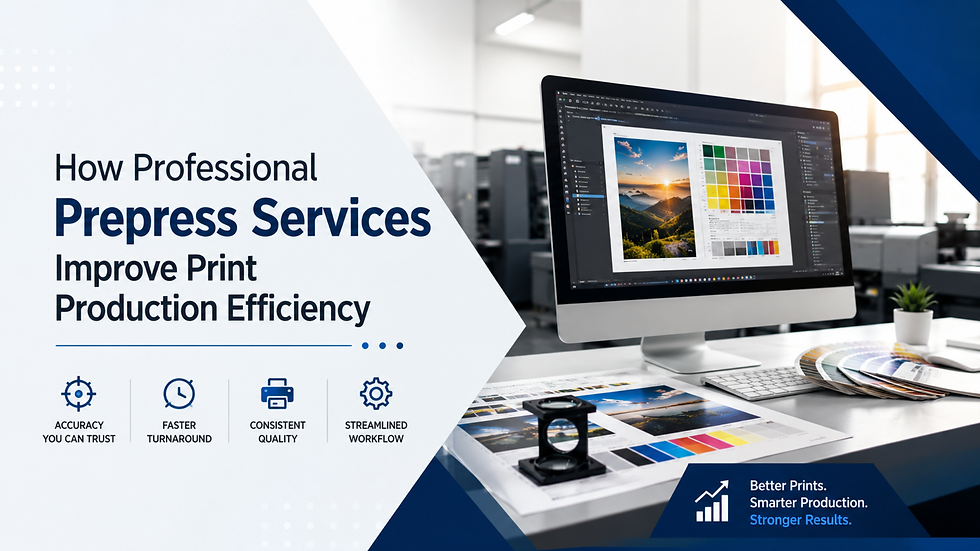
Businesses are increasingly using modern digital tools to create high-quality print designs that engage customers for the long term. But, good design doesn't necessarily mean good prints. Many companies learn this lesson the hard way through expensive reprinting, production delays, color variations, and client complaints.
Problems such as unsupported fonts, poor images, and incorrectly formatted files can interfere with the printing process entirely. That is where the need for print production efficiency kicks in. Prepress services will help ensure that everything is in place before printing begins.
As stated in the Smithers report on the future of the printing industry, improving workflow automation and digital printing production processes continue to play an important role in enhancing productivity and reducing the costs of commercial printing operations. This blog explores how professional prepress services improve print production efficiency.
What Is Print Production Efficiency?
Print production efficiency begins long before ink reaches the press. It depends on preparing every file correctly so production runs smoothly.
Each file has to be checked, fixed, and optimized for meeting printing needs. Many professionals do both automated and manual reviews.
Prepress professionals combine automated software checks with manual inspection to ensure every file meets production requirements.
It means that they apply the standards throughout the process to maintain speed and accuracy in their work.
The print production workflow can run smoothly in this case, so that business owners won't face delays. The prepress process allows businesses to eliminate costly production errors and increase customer satisfaction through high-quality printing.
Why Prepress Is Important Before Printing?
The printing stage is the most expensive one in production. Correcting mistakes after the job reaches the press becomes too complicated and costly. Professional prepress teams analyze every aspect before the job goes to the printing press. They check images, fonts, dimensions, colors, bleeds, and other factors to ensure compliance with printing criteria.
Through early detection of problems, businesses receive:
Increased customer confidence.
Fewer printing errors.
Lower materials waste.
Reduced production delays.
Higher print consistency.
Each error detected before the printing process begins helps prevent a larger problem later.
Prepress Workflow Optimization Increases Productivity
Modern print shops deal with many orders every day. Unorganized processes can make file management difficult. Prepress workflow optimization establishes a system to streamline file preparation, enabling each file to be processed faster and with higher accuracy through automated software and technicians' professional skills.
Workflow optimization assists businesses in:
Maintaining consistency in quality across all projects.
Being able to handle more orders daily.
Minimizing manual steps.
Enhancing communication between the design and manufacturing departments.
It results in higher efficiency without losing quality.
Print Ready File Preparation Eliminates Costly Mistakes
Most print issues start with improper artwork preparation. Print-ready file preparation ensures that every file is properly prepared before processing. It includes:
File dimensions.
Linked images.
Embedded fonts.
Bleed and trim areas.
Color settings.
Checking image resolution.
Proper file preparation allows printers to spend less time fixing errors and more time on production.
Preflight File Checking Helps Detect Hidden Errors
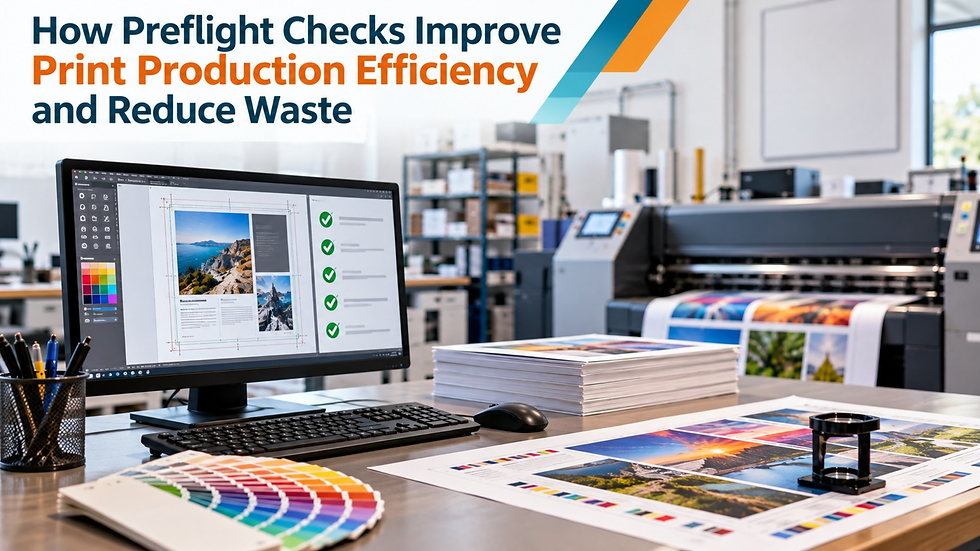
Certain printing errors are not easy to see on a computer monitor. Absent fonts, RGB images, poor resolution graphics, or incorrect transparency settings might only be discovered during printing. Preflight file checking is the automated scanning of all files for potential errors before production.
This procedure will help identify:
Bleed problems.
Incorrect page sizes.
Overset text.
Poor resolution graphics.
Incorrect color modes.
Missing images.
Discovering these errors at an early stage greatly increases the likelihood of successful printing error reduction, saving both time and production costs. A packaging company printing 20,000 product boxes can avoid thousands of dollars in reprints simply by identifying incorrect bleed settings during preflight.
Artwork Quality Control Guarantees Higher Print Quality
Even well-designed artwork might have technical issues that could affect the printed material.
Professional artwork quality control involves software checks and visual examinations by skilled prepress experts.
All designs are checked to meet the requirements of commercial printing.
Quality control will result in:
Brand uniformity.
Improved alignment.
Text clarity.
Image resolution.
A more professional appearance of the printed project. Clients will have more accurate printed material.
Color Management Provides Color Accuracy
One of the major issues of commercial printing is maintaining consistent colors. Images displayed on computer monitors might look different when printed. Without color management, brand colors might be inconsistent from one print run to another.
Professionals in prepress will use ICC profiles, calibrated monitors, and standard color settings to keep color accuracy throughout all stages of the printing process. Proper color management will help businesses:
Provide consistency between prints done on different devices.
Increase customer satisfaction.
To protect the brand identity.
Reduce the number of color corrections.
Proper color reproduction builds trust with clients, who expect each print order to match previous ones.
Digital Proofing Avoids Approval Delays
Reviewing a project after printing can lead to costly errors.
With digital proofing, clients can review electronic proofs before production begins. It will give everyone a unique chance to identify colors, layout, text placement, and design correctness.
Digital proofing will help:
Improve communication.
Speed up client approvals.
Prevent costly changes.
Avoid misunderstandings.
Fast approvals lead to fast print turnaround for both printers and customers.
Print Process Automation Increases Productivity
Manual file preparation takes significant time and effort, especially when handling hundreds of print jobs each week.
Modern print process automation automates routine tasks such as file routing, preflight checks, proof generation, and job tracking.
Print process automation will provide:
Improved production scheduling.
Reduction of human errors.
Lower labor costs.
Faster job processing.
Consistent production standards.
Professional prepress experts combine automation with manual work to get the best results. In commercial printing, a single incorrect bleed setting can delay an entire production run and require costly reprints.
Why Professional Prepress Services Help Businesses Grow?
Efficient printing is not just about making beautiful marketing materials. Reliable print production is profitable. Professional prepress teams help businesses by:
Facilitating fast customer delivery.
Guaranteeing consistent quality.
Minimizing wastage of materials.
Optimizing production schedule.
Minimizing unnecessary reprints.
No matter what products your business produces: catalogs, packaging, brochures, labels, or other promotional materials, dependable prepress preparation will help to meet deadlines while keeping professional standards.
Common Printing Problems Which Professional Prepress Services Help To Avoid
Without proper file preparation, businesses regularly face some avoidable production problems. Professional prepress services help to avoid:
Registration errors.
Wrong page sizes.
Bar code printing issues.
Graphics in low resolution.
Missing fonts.
Cropped artwork.
Color mismatches.
Blurry pictures.
In this way, you protect production budgets and client relationships by printing in advance.
Achieve Better Print Quality And Efficiency By Using Professional Prepress Services
Professional prepress services play a key role in ensuring enhanced print quality, reduced production costs, and timely completion of tasks. Right from preflight file checking to print-ready file preparation and then moving on to color management, digital proofing, and print process automation, each step supports smoother production with fewer errors.
With the assistance of experienced prepress professionals, businesses can improve prepress production efficiency, strengthen prepress workflow in print production, and build a more efficient prepress-to-print workflow, resulting in faster print turnaround and consistently high-quality printed materials that meet client expectations.

Comments